Entrance and reception
Where do customers check in? What does the entrance look like? Choose views that help people recognise the entrance before their first visit.
 Request a price estimatePrice estimate
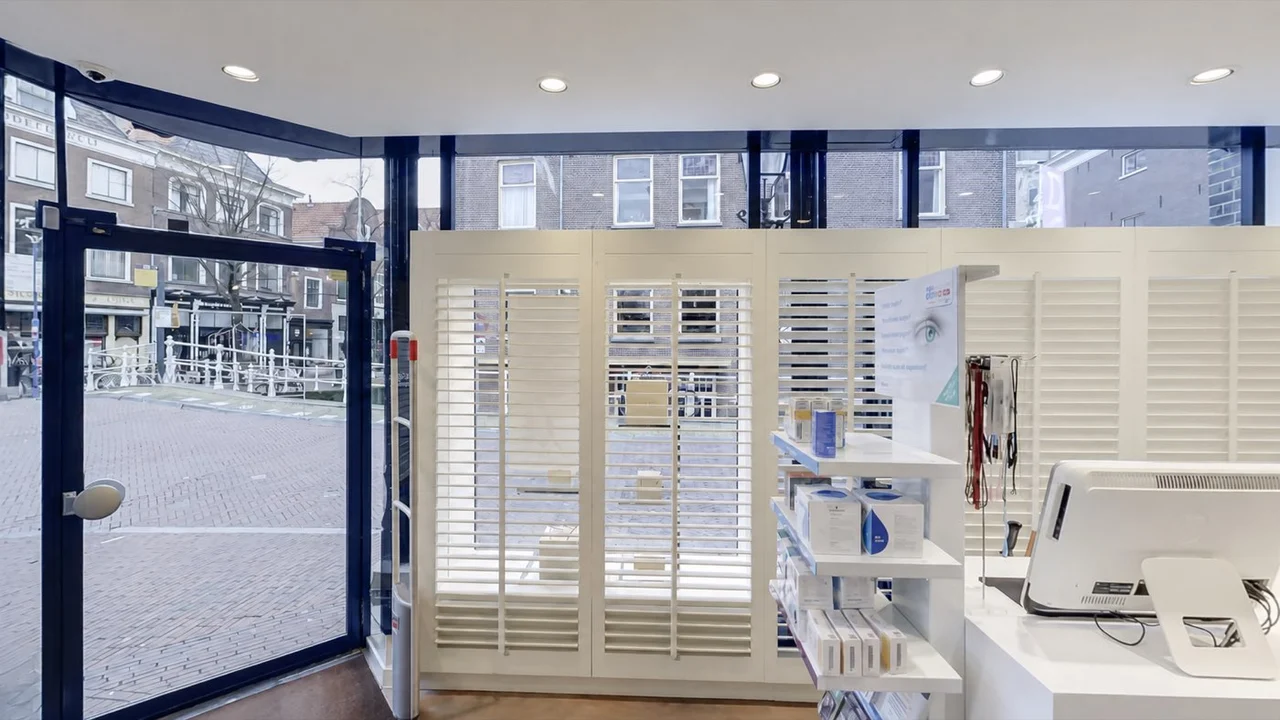
What does it look like inside? A Google Street View tour lets customers explore your shop, showroom or business before they visit. Zien360 takes the 360-degree photographs and discusses how they will be published on Google.
An address tells people where you are. The 360-degree images show what they can expect inside. Visitors choose where to look and move between connected photographs to explore the next space.
Where do customers check in? What does the entrance look like? Choose views that help people recognise the entrance before their first visit.
A shop may want to show its departments; a showroom its displays. We discuss which spaces a visitor should be able to explore beforehand. That does not require every office or storage room to appear.
The camera positions need to connect. When choosing the route, we also consider doors, passages and how visitors move from one space to another.
Google Maps · 360°
Open the existing Google Maps example. Drag to look around and use the available arrows to move between positions. You can see how visitors explore the connected 360-degree photographs.
This example uses Google’s viewer. An interactive tour for your own website can have different controls and additional content.
Existing Google Maps example · 360-degree photographs
Consider where people will explore your location and what you need to explain. Publishing on Google and building your own interactive tour serve different purposes. You can also use both.
The 360-degree photographs appear in Google Maps with Google’s controls. This suits a location people need to explore there before visiting. Google determines how images are displayed within its services.
Do visitors need a room menu, an explanation from a staff member or information beside a machine? In a virtual tour for your own website, we shape the navigation, design, video and information points around your audience.
We begin with the location and the spaces you want to show. Then we agree when they will be ready for photography and which production and publication work the brief includes.
A Street View tour is a public presentation. Decide beforehand which spaces should appear. Also discuss staff, visitors and any confidential information that could be visible.
Make sure the selected spaces are accessible and arranged as you want them shown. Choose a quiet time where possible. For a shop or showroom, we agree which displays need to be ready.
We clarify which images will be supplied or published and what coordination is needed. Google handles processing and display on its platform. A fixed publication date therefore needs separate consideration.
The price depends on the location, the spaces and the route to be photographed. Production, publication and any additional tour for your own website also shape the proposal.
Include the address, the spaces you want to show and a link to your existing Google Business Profile if you have one. Tell us whether this is a first shoot or a replacement for earlier images. We can then discuss the work and its cost.
The proposal specifies the photography, production and publication included. New photography or later changes are agreed separately.
On this page, both refer to connected 360-degree photographs that let someone explore your business in Google Maps. A separate interactive tour on your website can have different navigation and additional explanations.
We cannot promise a higher ranking. The tour shows people what your location looks like. Google lists relevance, distance and prominence as the main factors for local results. Read Google’s explanation of local ranking.
You can embed a Google Maps view on a website, as in the example on this page. If you need your own menu, explanatory videos or information points, we discuss which custom interactive tour suits the brief. That additional work is specified separately in the proposal.
We agree the photography and submission schedule beforehand. Google then needs to process the images. Publication and display depend on Google, so we do not guarantee a fixed processing time.
We review which images are no longer accurate and which spaces need new photography. Also tell us which earlier images are still on Google. New photography and possible publication changes are discussed as a separate brief.
Tell us which location and spaces customers should be able to explore before visiting. We will discuss photography, publication and a price estimate for the work.
Request a price estimate