
Where is a component? What happens in this room? A virtual tour connects an explanation with the place it describes. At Rijnstate, this includes 360-degree video. For Damen, the focus is on revisiting the recorded situation on board.
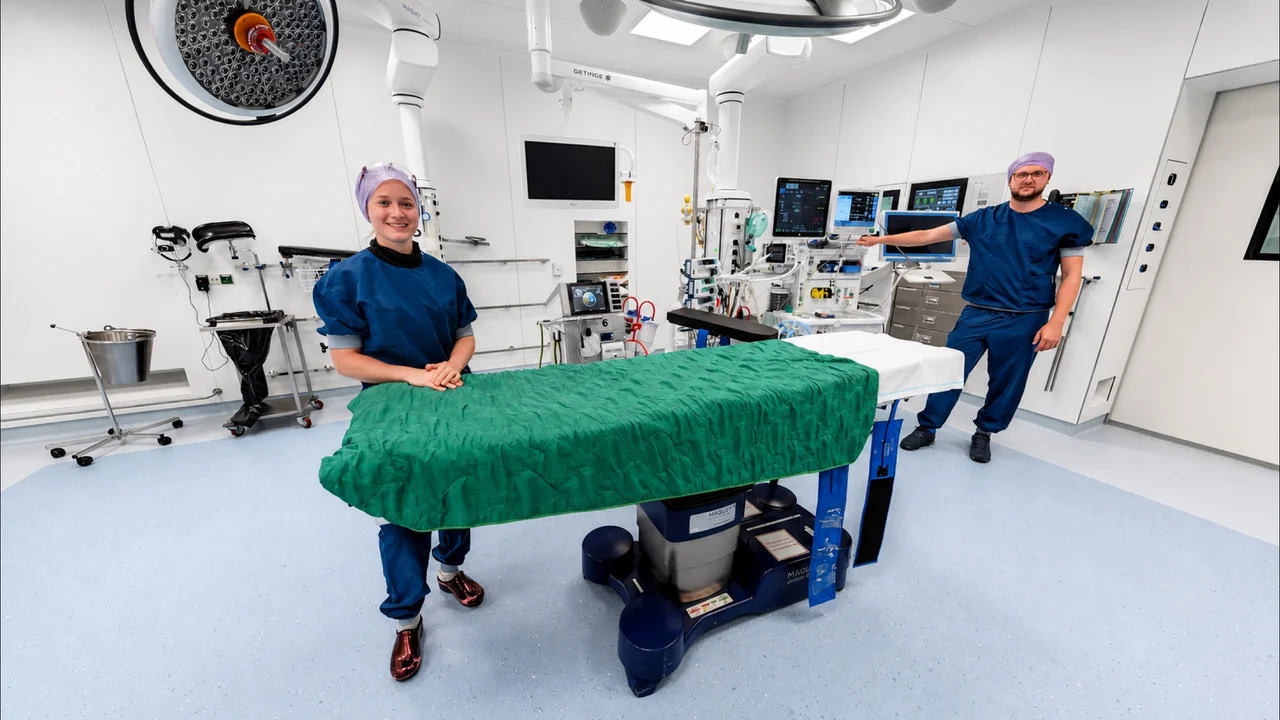
This can support information for visitors, instructions or an introduction to a workplace. What you need to explain determines which images and information belong in the tour.
Put explanations in context
An information point in a virtual tour can open text, a photograph or a video. The explanation appears alongside the room or component it describes. Visitors choose which information to view.
If someone needs to see how an action unfolds, a video can show the sequence. In a 360-degree video, the film plays while the viewer chooses where to look. In a photo-based tour, visitors move between fixed viewpoints instead.
Rijnstate: look around during a video explanation
Rijnstate’s intensive care tour includes 360-degree videos with explanations by an intensive care specialist and a speech and language therapist, and about physiotherapy. Viewers can look around as each video plays. Stopping the video takes them back to the intensive care room in the tour.
This is an example of providing information within a virtual tour. Open Rijnstate’s intensive care tour to watch the videos. Our Rijnstate case study also shows a separate tour that introduces children and parents to the hospital.
Damen: return to the same space
For Damen Shipyards, we created virtual records that allow those involved to revisit the situation captured on board. A pipe or installation can be seen within its surroundings. People in different locations can open the same space during a discussion.
A recording can support a conversation or technical explanation. It shows what was visible at the time of capture. Current manuals, procedures and instructions from the responsible organisation remain necessary when carrying out work. The tours are confidential; our Damen case study explains what we made.
An introduction to the workplace
During onboarding, questions are often practical. Which entrance do you use? Where do you check in? Where is your department? A tour can show the route and rooms in advance, with explanations where they are needed.
This gives the tour a specific role within an induction programme, alongside a personal introduction and guidance from a colleague. Read how we approach a virtual tour for onboarding.
From an explanation to a training programme
An explanation gives someone information. Practice requires them to carry out an action and respond to feedback. Formal assessment also needs clear criteria and a way to record the result. These are different briefs.
If you want to use a tour for training or e-learning, first decide what someone should be able to do afterwards. A walkthrough with explanations does not establish that someone can perform a task. Exercises, guidance and assessment need their own content and technical plan.
Start with one specific question
Choose what the visitor needs to understand: a route, the location of a component or the steps in a task. Then decide who supplies and checks the explanation. Agree who will report changes when the space or instructions are updated.
To discuss this for your organisation, include the location, audience and proposed explanation in your request for a price estimate. We can then discuss which images and features suit the brief.